How Enhance Voices actually works (and why it isn't AI)
Turn Enhance Voices on and podcasts sound less like a whisper you have to strain for and more like a conversation in the room. If you have ever cranked the volume in the car to catch a mumbled interview, or turned it back down for a laughing anecdote, you already know why the feature exists. What is worth clearing up: this one is not AI, and that turns out to be a feature rather than a limitation.
What Enhance Voices is
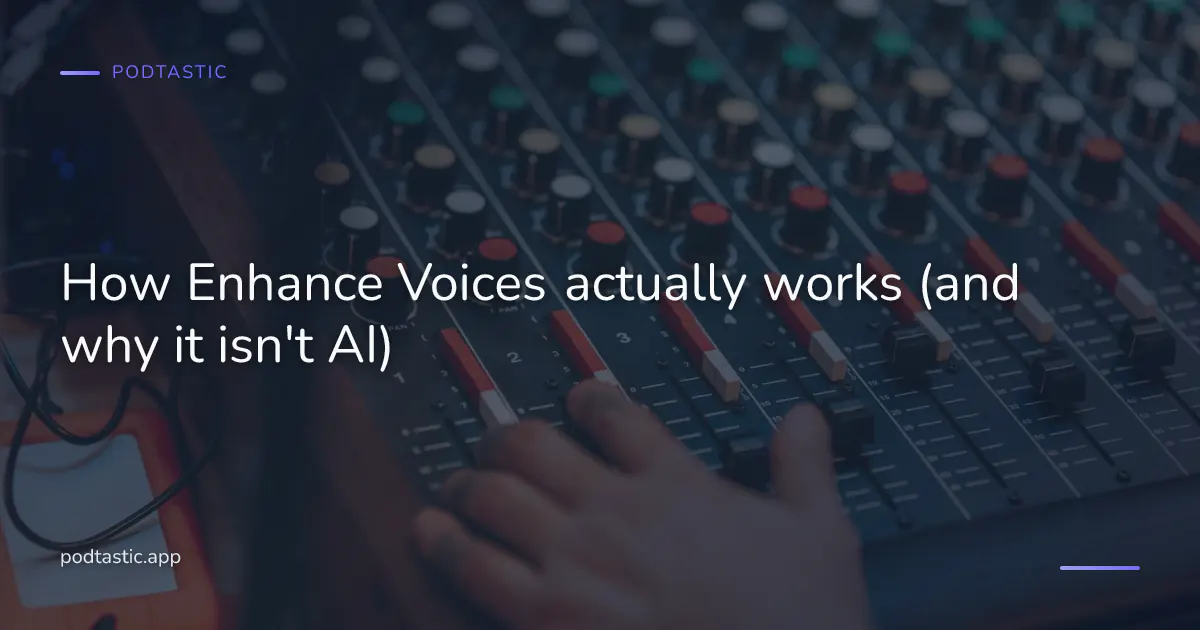
Enhance Voices is one of Podtastic's two Audio Enhancements, a small, deliberate group separate from the AI-powered Smart Features. It is a gentle EQ and compression preset tuned specifically for spoken-word audio. When it is on, quiet moments come up, loud moments come down, and the frequency range where consonants live gets a small nudge so speech reads clearly through headphones or a car speaker.
That is the whole feature. There is no per-episode analysis, no machine learning, no model deciding what "clear" means. The processing is the same on every episode, applied in real time.
Why it isn't in the Smart Features group
Podtastic keeps AI and non-AI features in separate groups on purpose. The Smart Features group covers things where an AI model looks at the specific episode and does something bespoke to it, Smart Skip figuring out where the intro ends, Smart Summaries writing a paragraph about the actual content, Smart Topics surfacing the themes.
Audio Enhancements work at a lower level. Skip Silence uses deterministic silence detection, RMS thresholds and windowed analysis, not a neural net. Enhance Voices uses a fixed EQ curve and a fixed compressor. Both are the same processing on every episode of every show, and the group name is a small commitment to be honest about the difference. Calling either feature "smart" would blur that line, which is why we do not do it.
The renaming happened in Podtastic 2.5.0 for a different reason, the previous name (Voice Boost) is Overcast's trademark, and the previous name for Skip Silence (Smart Speed) is Marco Arment's. The rename was clarifying in both directions.
What the preset actually does
Two techniques, both older than podcasting.
Compression. A compressor turns the loud parts down and, once the loud parts are quieter, lets the average level come back up. The result is a signal with less variation between the quietest and loudest moments. In music mastering it is applied surgically to preserve dynamics; in broadcast voice mastering it is applied firmly because the goal is intelligibility. Enhance Voices sits closer to the broadcast end, it is not making a podcast sound like an album, it is making it sound like a podcast.
EQ. An equaliser boosts or cuts specific frequency ranges. The preset gives a small lift to the 2–5 kHz range where the consonants that carry intelligibility live, that is where "t", "s", "sh", "ch" and their friends do most of their work. It also cuts a little of the low rumble that microphones sometimes pick up but that speakers do not reproduce well. The result is speech that sits forward without sounding shouty.
Neither technique is doing anything experimental. Broadcasters have used both for six decades. What has changed is that the processing is now cheap enough to run in a pocket-sized podcast app in real time, on any episode you queue up, without a producer touching it. That is the useful bit.
When it helps most
Enhance Voices is most useful when the room is fighting you.
In the car. Cabin noise sits mostly in the low end, the hum of the engine, road rumble, the air conditioning. Speech competes with all of it. The EQ tilt and the compression together lift the intelligible parts of the voice above the noise floor without you cranking the whole signal.
On the bus or the train. Same reason. The ambient sound is broadband but low-heavy, and the compressor keeps quiet passages audible above it without loud passages becoming painful when a station announcement lands.
Cheaper headphones or the built-in phone speaker. Small drivers cannot reproduce all frequency ranges evenly. The EQ preset is doing some of the work the headphones cannot do on their own.
Poorly-produced episodes. A lot of podcast audio in 2026 is still not mixed to broadcast standards. Two guests recording remotely often show up at very different levels; a host who moves around the room while talking has natural volume swings that a compressor smooths.
If podcasts are your background audio while you work at a quiet desk with decent headphones, Enhance Voices is doing less. Turn it off in those cases and you will hear the natural dynamics of the recording. That is the argument for keeping it as a toggle rather than a permanent on.
Turning it on
Enhance Voices lives in Podtastic's Playback settings. It is off by default because it is a change to the source audio and we would rather users choose to enable a change than have one applied silently. The other Audio Enhancement, Skip Silence, sits next to it in the same group and has the same on-by-choice posture.
Both features can be set per-podcast if you want them on for chat shows and off for music-driven ones. The per-podcast override is under each show's settings.
When you should turn it off
Two cases where Enhance Voices is not helping.
Music-heavy episodes. Some podcasts play full songs, feature live performances, or run soundscape-driven episodes. The compressor will flatten the dynamics you actually want to hear. Turn it off for those shows specifically, the per-podcast toggle exists for exactly this.
High-end headphones or studio monitors. If your listening environment is quiet and your headphones are reproducing the full frequency range accurately, the EQ tilt becomes audible as a tilt rather than as clarity. Try it off; if speech is still clear, leave it off.
For a broader look at how podcast audio quality varies across shows and how to get the best listening experience out of what you have, our complete guide to podcast audio quality in 2026 covers both the app-side tools and the source-side factors.
Frequently Asked Questions
Does Enhance Voices work with any podcast?
Yes, the processing runs on the audio stream after download or during playback, so it works with any episode you can play in Podtastic. There is nothing show-specific about it.
Is Enhance Voices the same as Voice Boost in Overcast?
They are the same category of feature, an EQ-plus-compression preset for spoken-word audio. Each app tunes the specific curve and compressor ratios to its own taste. The renaming in Podtastic 2.5.0 was partly for trademark reasons and partly to make the two-groups framing (Smart Features vs Audio Enhancements) legible. If you are comparing apps by ear, both do the same class of processing. Our independent-app directory has a page per app if you want to compare feature-by-feature.
Will it damage audio quality?
Enhance Voices makes deliberate changes to the source signal, that is the point. On well-mixed episodes played through good headphones in a quiet room, some listeners prefer the untouched original. On badly-mixed episodes or in noisy environments, most listeners strongly prefer it on. That is why it is a toggle and not a permanent setting.
Can I use Enhance Voices and Skip Silence?
Yes. They are independent features in the same Audio Enhancements group. Enhance Voices adjusts the loudness and clarity of the audio you hear; Skip Silence removes silent gaps to shorten the episode. Many listeners run both on chat shows and both off on music-driven ones. The per-podcast overrides let you set both preferences per show. Our guide to saving podcast clips touches on the third relevant setting, Smart Clips, which is a Smart Features tool rather than an Audio Enhancement, so it lives on its own axis.
Listen smarter with Podtastic
Get more out of every podcast you follow. Podtastic is a fully featured podcast player for iOS and Android, built around Smart Features (the AI features) and Audio Enhancements (deterministic DSP tuned for spoken-word audio):
- Smart Skip — auto-skips commonly-skipped sections of an episode (intros, recaps, asides), powered by AI topic detection plus aggregated listening data; a single tap on any control surface jumps you to the next Smart Topic on demand
- Smart Summaries — AI summaries of every podcast and episode so you know what's coming before you hit play
- Smart Topics — key topics surfaced across your favourite shows so you can jump straight to what matters
- Skip Silence — auto-removes silences from speech so episodes flow without dragging
- Enhance Voices — a gentle EQ and compression preset that keeps voices clear in any room
Download now at podtastic.app and try it for yourself.